Awareness Materials
EAP Member Portal and Mobile App Fliers
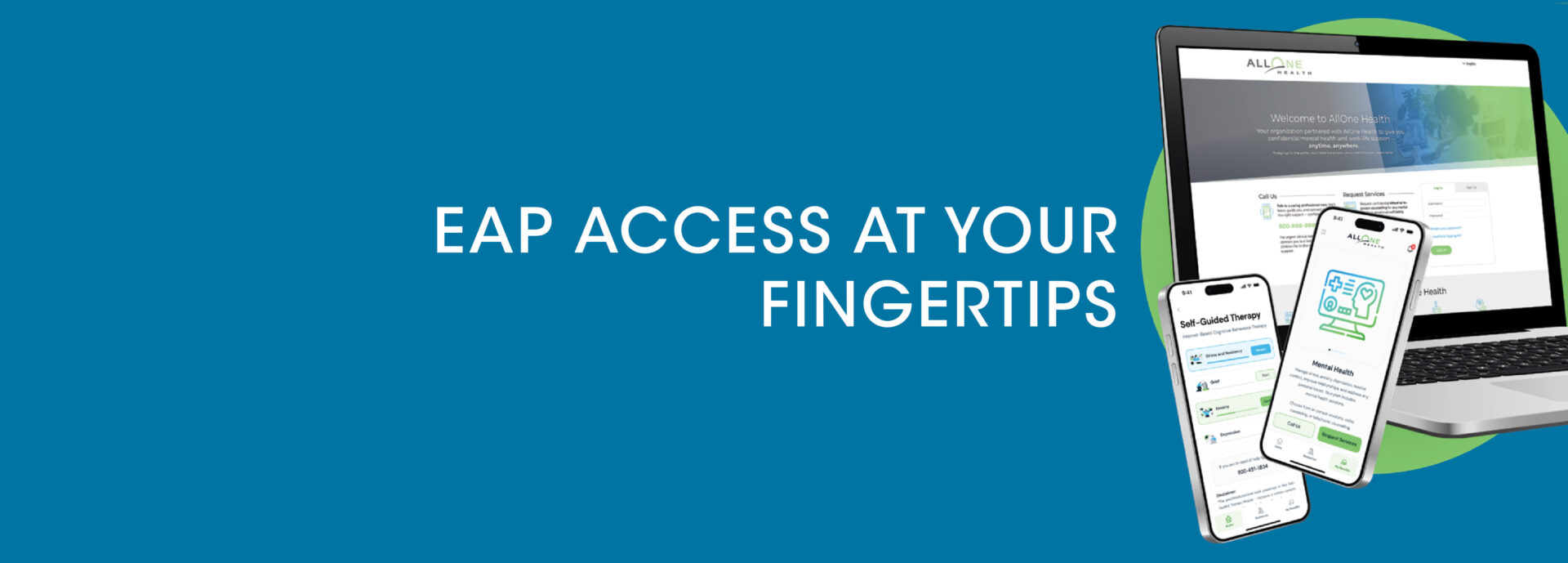
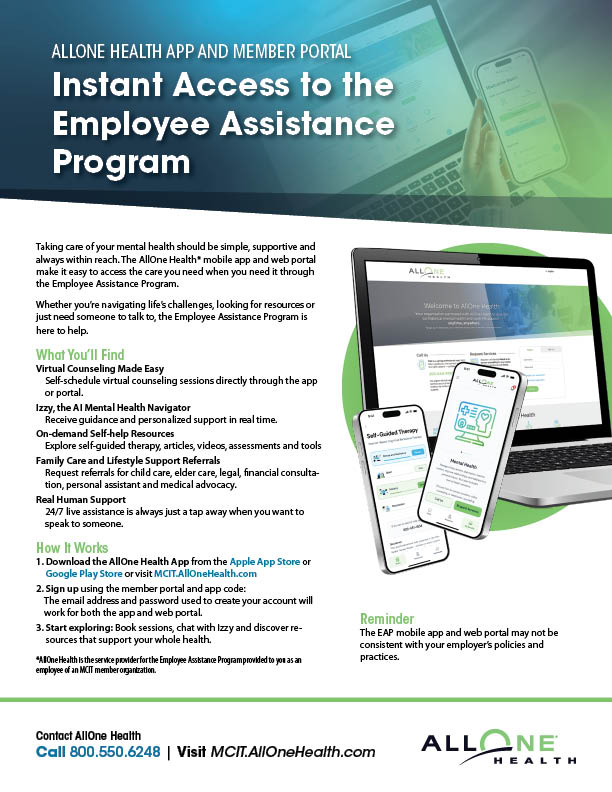
The Employee Assistance Program administrator, AllOne Health, offers an online member portal and mobile app to access a wealth of mental health resources, tools and services. The member (web) portal and the mobile app flier details the features of each and include instructions on how to gain access to the content.
Access Restricted to MCIT Member Entities
To use the member portal and mobile app, employees must set up an account with the service using the MCIT company code. This code is available to the member’s designated EAP contact. He or she can email or call MCIT for the code.
Before distributing to employees, you must add the MCIT company code to the instructions in the space provided on the fliers.
The member portal and mobile app are services available to AllOne Health’s clients only, which MCIT members are. Please limit distribution of the company code to your organization’s employees. For example, do not post the flier with the company code on the member’s website where the public has access. Rather, post it to the organization’s intranet that is restricted to employees.
Considerations for Using the EAP Portal and App
The AllOne Health member portal and mobile app may not be consistent with an organization’s policies and practices. Through these tools, employees have access to volumes of services, resources and links, some of which:
- May not align with the employer’s policies
- May not comply with Minnesota law (e.g., Minnesota Government Data Practices Act or Minnesota Human Rights Act)
- Fall outside of MCIT’s service contract with AllOne Health for the Employee Assistance Program
Topics