Back to All Resources

Email Security Awareness: Digital Images
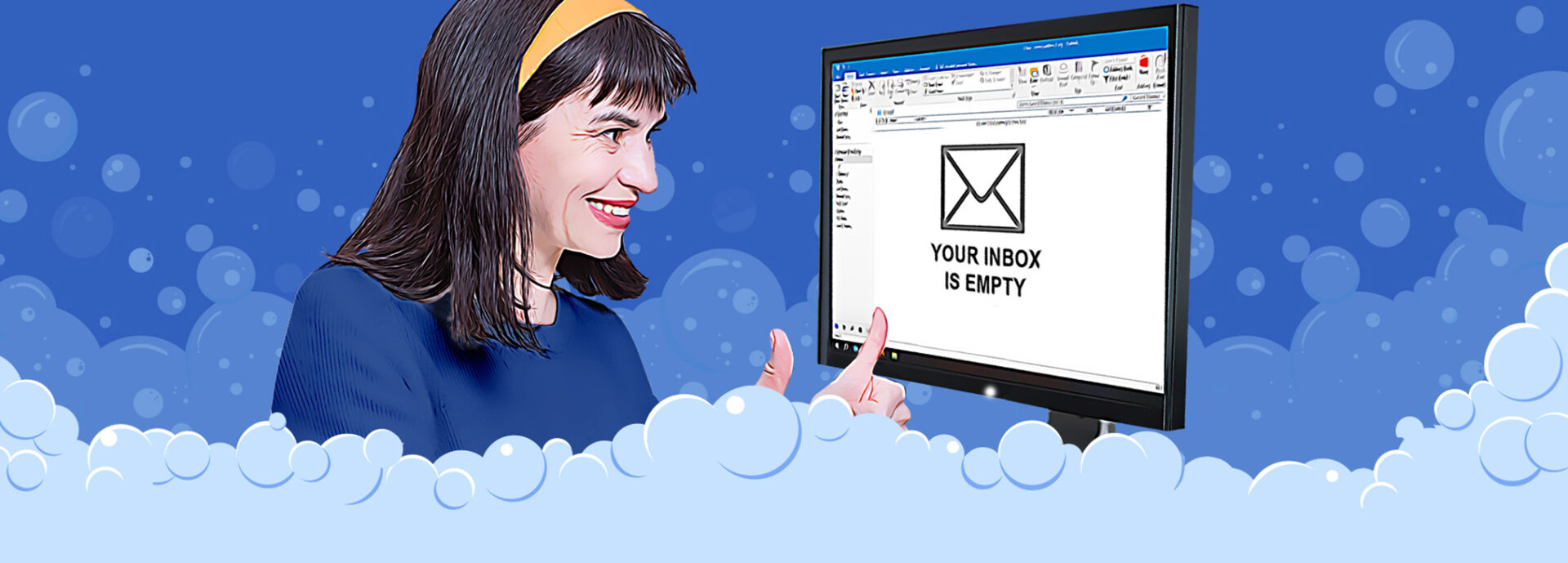
Against blue bubble background, business woman with thumbs up looks at computer monitor showing an empty email inbox

Click Wisely logo

Email Contributes to Most Cyber-related Claims

Most MCIT member cyber-related claims have two factors in common: email and employee behavior. These business email compromise scams can be costly for members in terms of actual dollars lost and time and expense to clean up after the incident.

The below email security digital images help employers remind staff to Click Wisely. The images educate employees about their responsibility for cybersecurity and the simple steps they should take, particularly as it relates to using email. 

Ways to Use Email Security Digital Images

  • Paste images into emails sent to staff
  • Post to intranet landing page
  • Print and hang as small posters throughout the facility
  • Publish in the employee newsletter
  • Display on screen/monitor to kick off a staff or team meeting
  • Set as the lock screen image for workstation computers

Tip: Select one message to use at a time and set a schedule for releasing new image (e.g., once every few weeks). This makes it easier for employees to focus on the content.
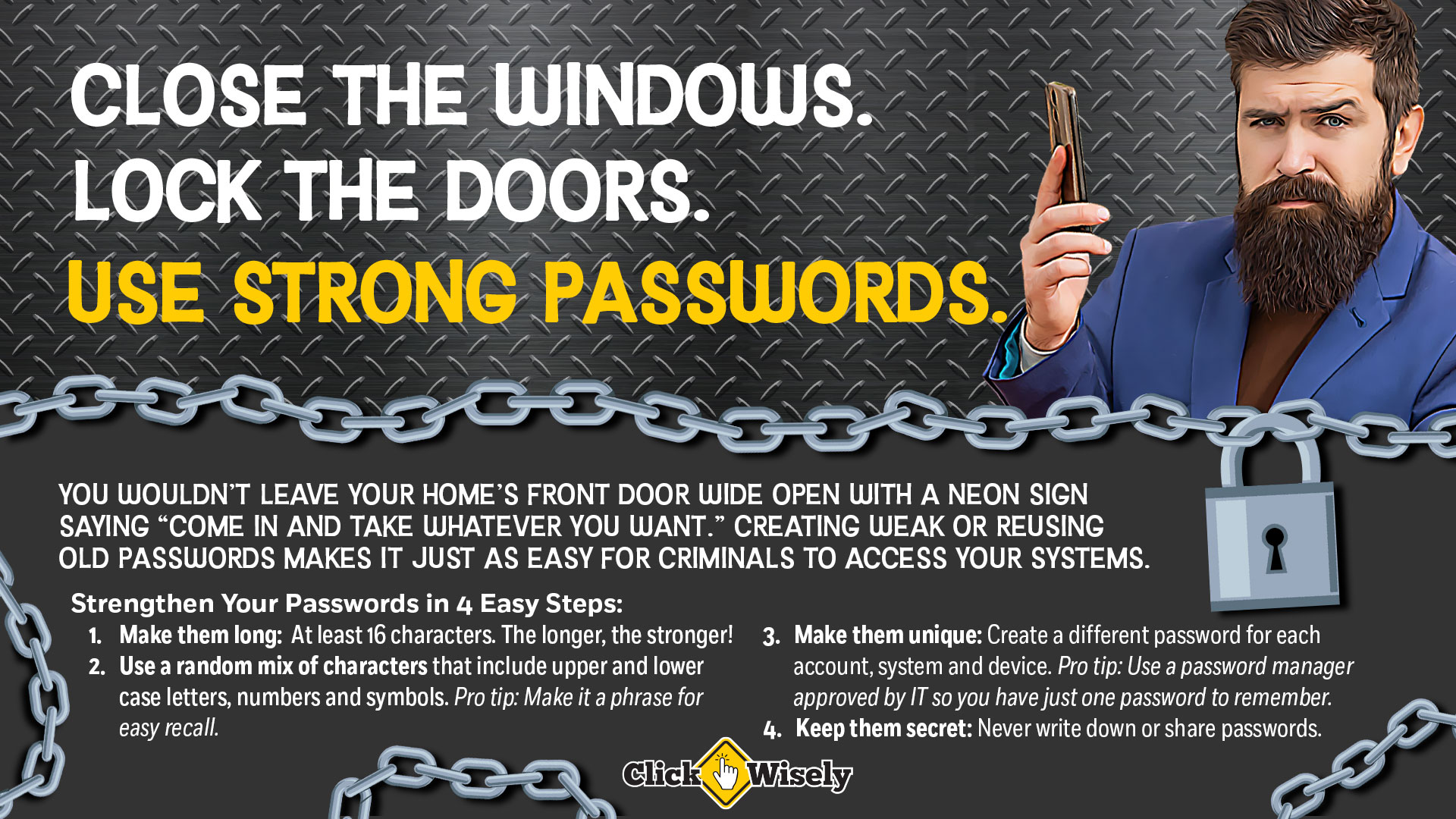
Against corrugated steel background, business man holds cell phone with inquisitive look. Text: Close the windows. Lock the doors. Use strong passwords. You wouldn't leave your home's front door wide open with a neon sign saying, "Come in and take whatever you want." Creating weak or reusing old passwords makes it just as easy for criminals to access your systems. Make passwords long, at least 16 characters. Use random mix of upper and lowercase letters, symbols and numbers. Create a different password for each account, system or device. Keep passwords secret.

Use Strong Passwords

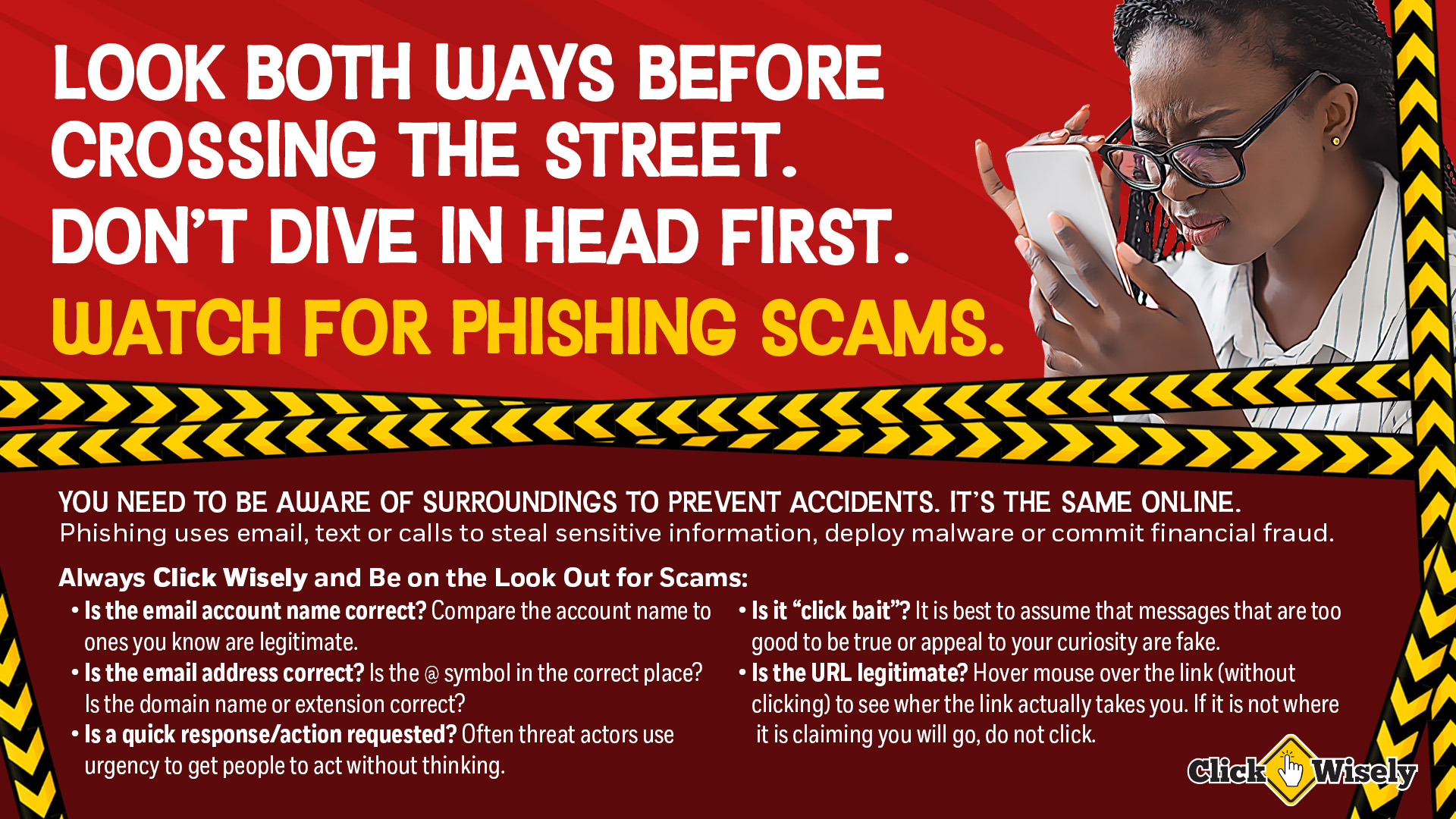
Against red background, African-American woman squints at cell phone. Text: Look Both Ways Before Crossing the Street. Don't' Dive in Head First. Watch for Phishing Scams. You need to be aware of surroundings to prevent accidents. It's the same online. Phising uses email, text or calls to steal sensitive information, deploy malware or commit financial fraud. Always Click Wisely and be on the look out for scams: Is the email account name correct? Is the email address correct? Is a quick response/action requested? Is it "click bait"? Is the URL legitimate? If no to any of these, the message may be a phishing scam.

Recognize and Report Phishing

Against blue background, middle-aged white woman looks at monitor that shows and empty email inbox. Text: Wash your hands. Brush your teeth. Clean your inbos. You take regular steps to keep yourself health. Add email hygiene to your daily routine. If your email account were hacked, what information would be readily available to threat actors? Email hygiene tips: Don't keep sensitive information in your inbox. Eliminate habits that create unnecessary duplication. Purge unnecessary messages regularly. Save necessary messages in a secure location outside of email. Utilize encrypted email.

Keep a Clean Inbox

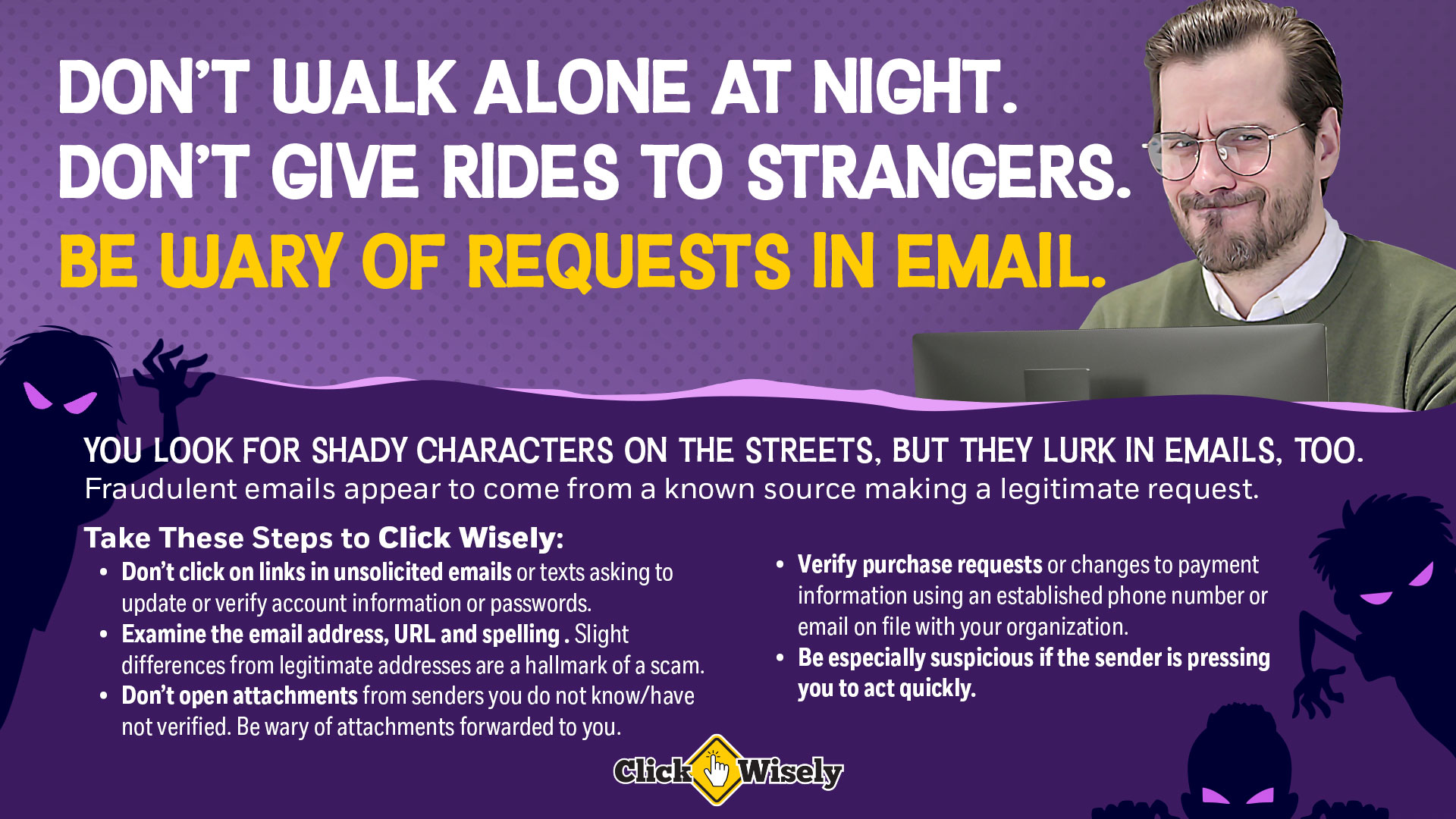
Against a purple background, a white middle-aged man looks at computer monitor. Text: Don't walk alone at night. Don't give rides to strangers. Be wary of requests in email. You look for shady characters on the streets. But they lurk in emails, too. Fraudulent emails appear to come from a known source making a legitimate request. Take these steps to Click Wisely: Don't click on links in unsolicited emails. Examine the email address, URL and spelling for accuracy. Don't open attachments from unknown senders. Verify purchase requests using known contact on file. Be especially suspicious if the sender is pressing you to act quickly.

Be Suspicious of Requests in Email

Download tip: After you click the “download” button, right click on the image that opens and select “Save image as …” option. Then choose where to save the image on your computer.

Topics