
- This event has passed.
All You Need to Know About the Employee Assistance Program (webinar)
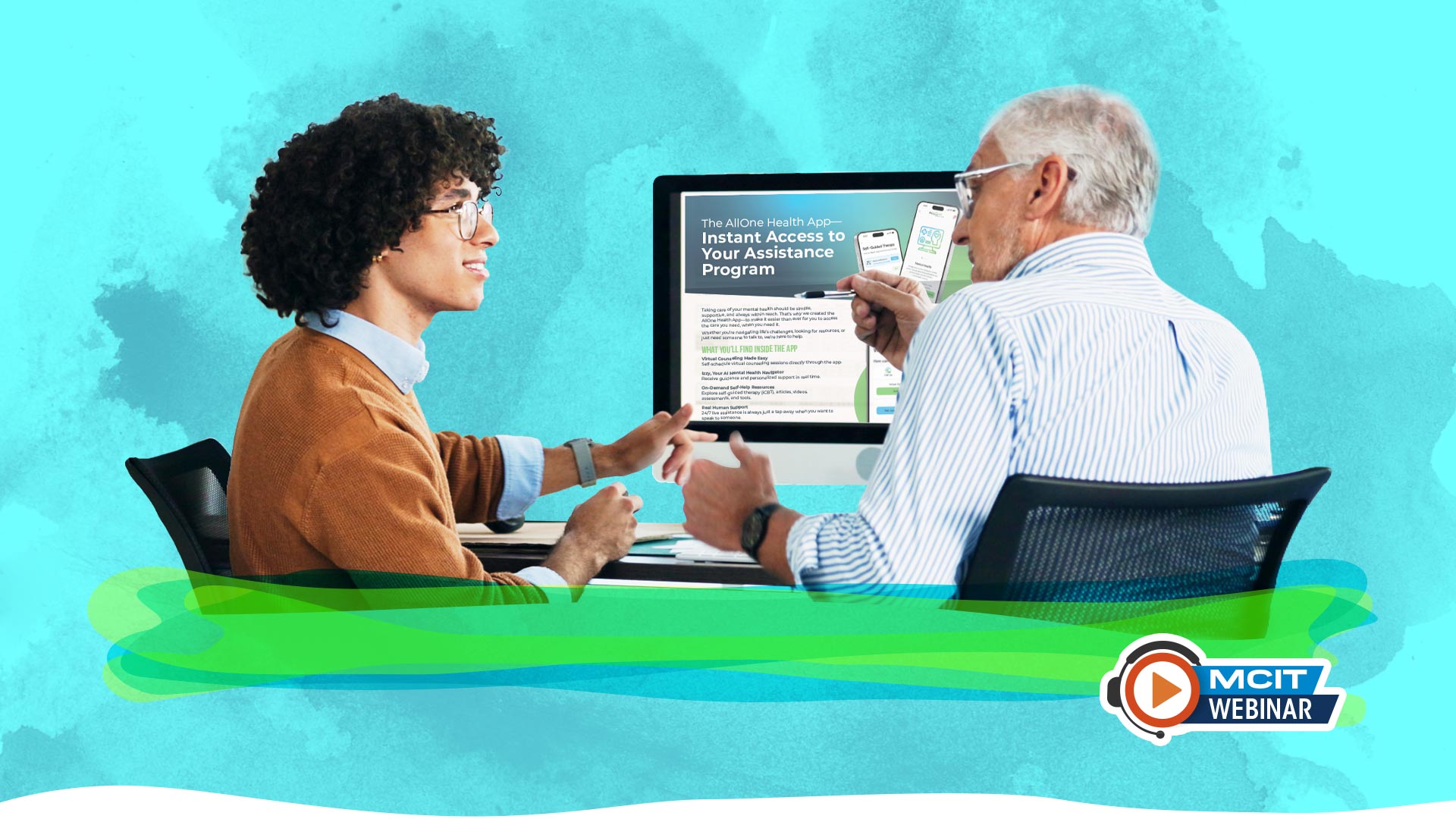
The Employee Assistance Program offered through MCIT supports the well-being of member organization employees and their families. “All You Need to Know about the Employee Assistance Program” provides a summary of those services, who can use them and how to access them.
When and Where
- April 15
- 11 a.m.
- Virtual
What You Learn
- The wide variety of services available through the EAP for individuals, law enforcement and for those in a supervisory role
- Resources other than counseling offered by AllOne Health, the EAP partner organization
- How to access services and resources
- Ideas and materials to promote the EAP to your organization’s employees

Tip: Double check the email address you enter on the registration form. If the address is entered incorrectly, you will not receive the link to join the live event.
Who Should Attend?
This webinar is best suited for those designated as the Employee Assistance Program contact for their organization. Others who may benefit from the information may be the administrator/coordinator, executive director, human resources manager, SWCD district manager, department heads.
Tips for Registering for and Attending the Webinar

- Double check the email address you enter on the registration form. This is the address to which all communication, including the confirmation email with the link to join, will be sent. If the address is entered incorrectly, you will not receive the link to join.
- Attendees need a strong Internet connection and audio connection either through computer speakers or a phone.
- For those who are attending a virtual event using the GoToWebinar platform for the first time or it has been a while, MCIT recommends that you review short instructions from GoToWebinar before the event to help orient yourself to the platform. View GoToWebinar Attendee Guide
How to Join the Virtual Session
The webinar is facilitated through the GoToWebinar platform. To attend:
- Use the link emailed to you to join the event. The email is automatically generated after you complete the registration form and comes from the GoToWebinar system. If you do not get the confirmation email, check your junk inbox. Contact MCIT no later than March 16 to verify your registration and request the join link.
- MCIT recommends that you log in 10 minutes before the session’s start time to ensure that you have time for your system to connect.
Webinar FAQs
Do I need special software to attend the webinar?
No, but you will need to allow GoToWebinar to operate on your computer temporarily (just during the event). If prompted while logging in to the webinar, click “yes,” “grant,” “trust,” etc. to accept the download.
How do I submit a question during the webinar?
Use the Question feature in the GoToWebinar panel that appears on your screen after you join the session. Just type your question in the message field, choose to send to presenters and organizers, and then click send.
My colleagues want to attend the webinar. Can I forward the “join webinar” link that I received in my confirmation email to them?
No. Each attendee receives a unique URL (link) for the live webinar. Your colleagues must register separately to be able to participate. Send your co-workers the registration link instead.
Will this event be recorded?
Yes. The recording will be posted to the Resource Library within a few days of the live event.